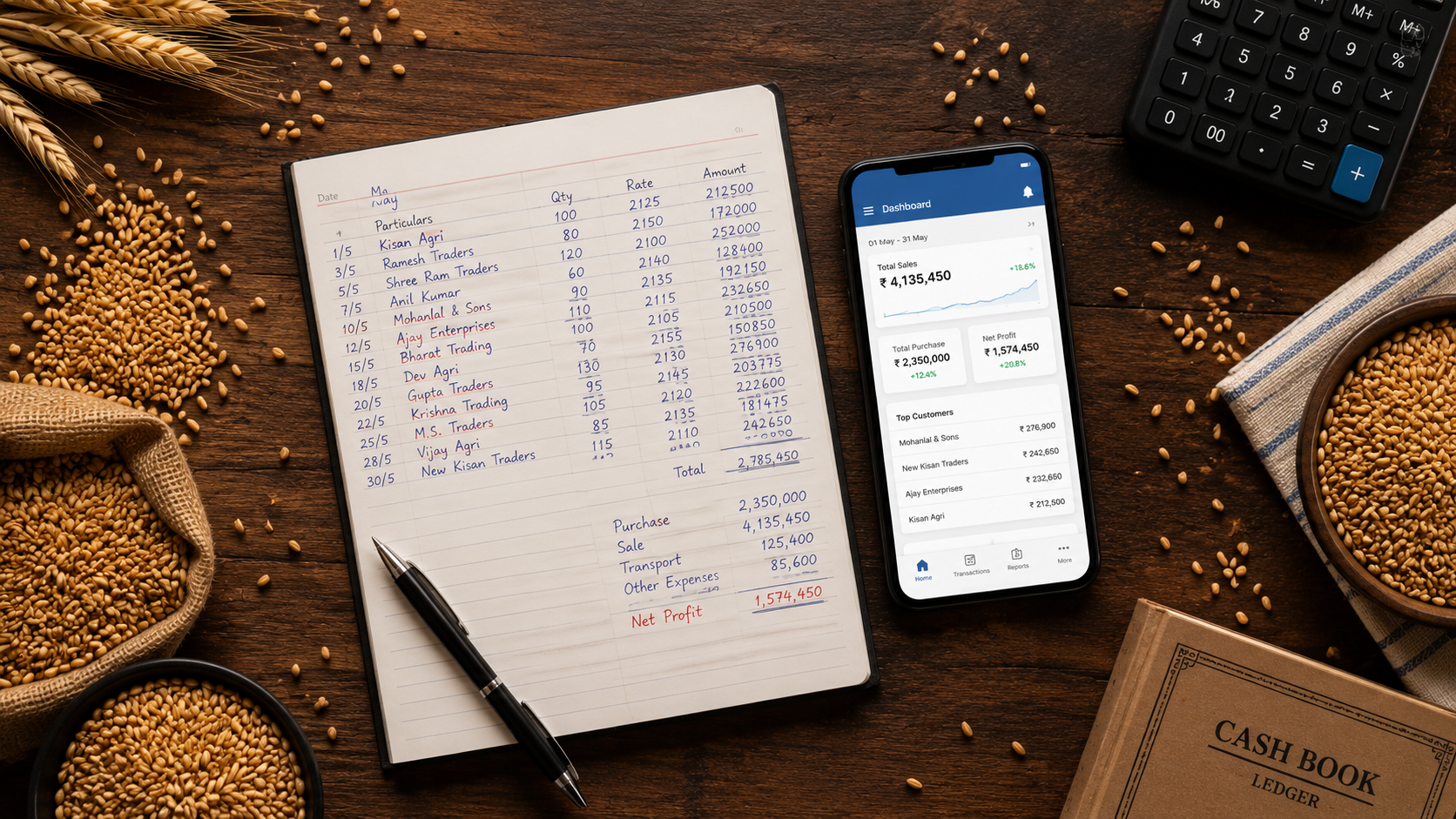
Excel spreadsheets were not designed for anaj mandi trade. They cannot handle live commodity rates, party-wise ledgers, and GST billing at the same time. If you are still using Excel to manage your anaj mandi transactions, here is why it is holding your business back and what a better solution looks like.
Why Excel Fails for Anaj Mandi Traders
- Rates need to be updated manually every time they change
- There is no automatic party-wise outstanding balance calculation
- Brokerage and commission must be calculated separately
- GST data has to be re-entered into the portal manually
- Mistakes in formulas cause errors that are hard to trace
- Multiple staff cannot work in the same file at the same time
How SoftTrade Handles Anaj Mandi Transactions
Live Rate Entry for Every Commodity
SoftTrade lets you update commodity rates for wheat, rice, mustard, and other anaj items quickly. Every transaction created after a rate update automatically uses the new price. No formula errors, no manual recalculation.
Voucher Management
Create purchase, sale, and brokerage vouchers in the format used in agricultural mandis. Each voucher is linked to the correct party ledger and updates the stock levels automatically.
Party-wise Ledger
Every buyer and seller has their own ledger. You can see how much any party owes or is owed at any point in time without opening a separate sheet or book.
GST-Ready Billing
Every invoice generated in SoftTrade is GST-compliant with the correct HSN codes, tax rates, and format. At month end, GSTR-1 and GSTR-3B are generated automatically from your transactions.
Multi-User Access
Multiple staff members can work in the system at the same time. Each user has role-based access so sensitive financial data is only visible to the right people.
Make the Switch
Running your anaj mandi on Excel is a risk you do not need to take. SoftTrade gives you a system built for how mandi trade works. Book a free demo today and see the difference.
Leave a Reply